Gracias Dexter
illustration process pixel art
Another pixel art illustration process
Content
Inspiration & Motivation
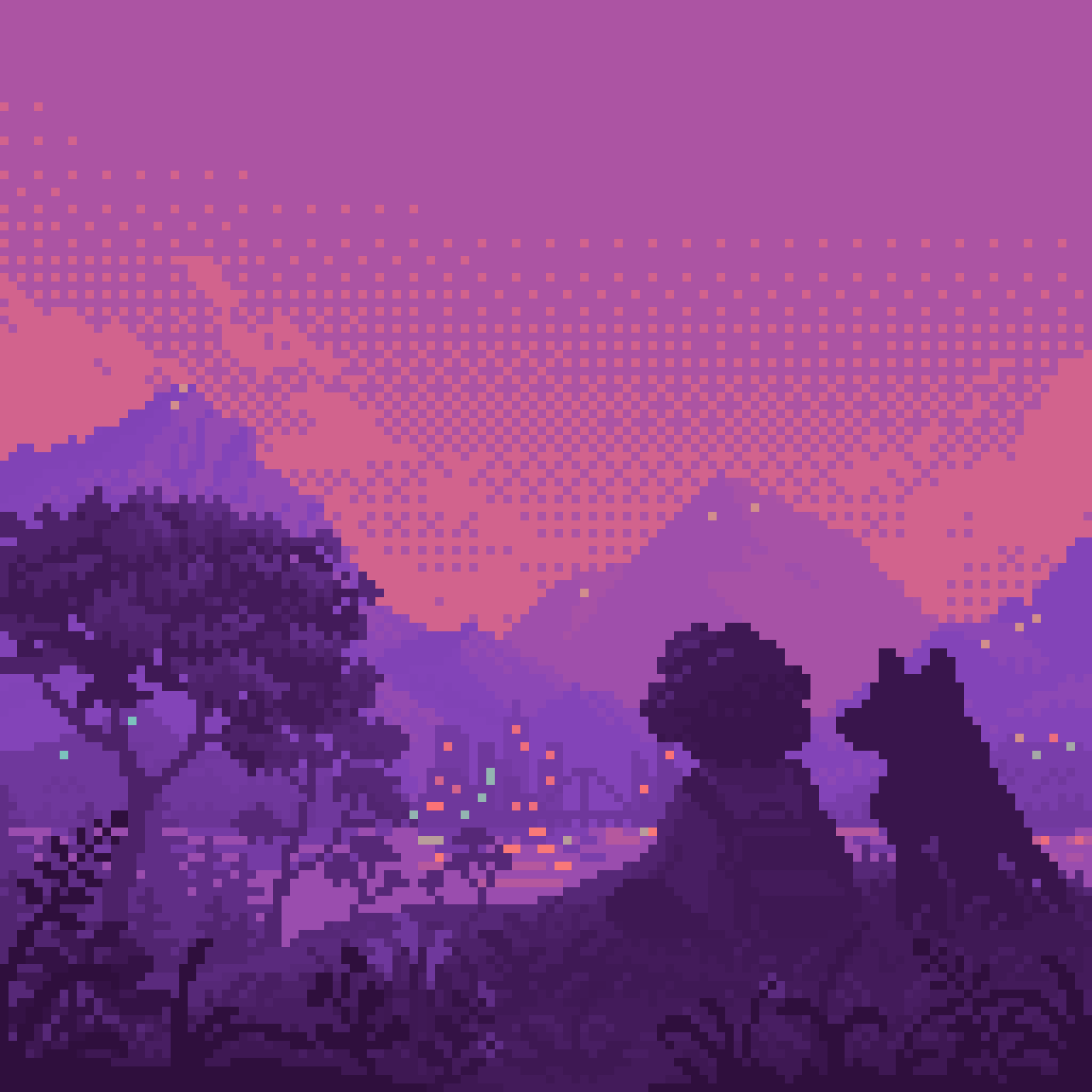
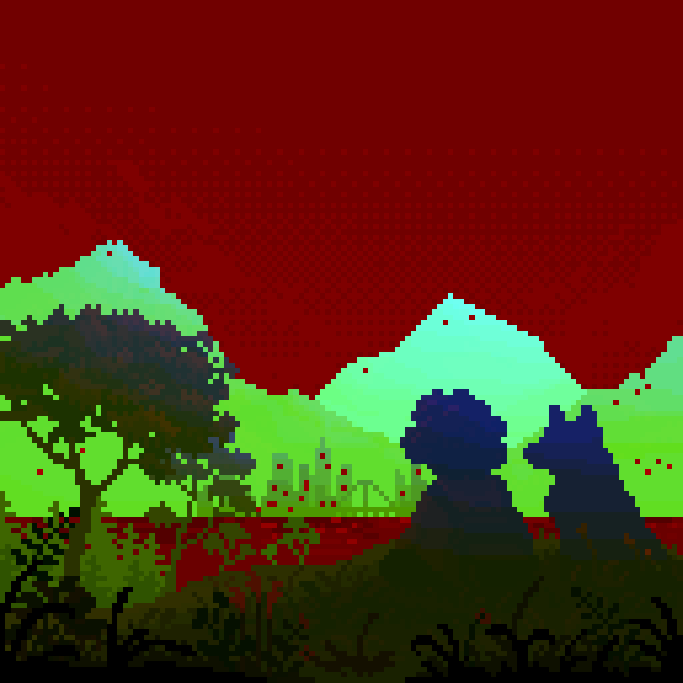
I wanted to capture the feeling I had every time I sat with my best friend, Dexter. The feeling of just existing by his side. We used to go on long walks, and we always had time to sit and contemplate the scenery, the colors of the mountains, the sky, etc. It’s a feeling I miss, and I wanted to portray it in a drawing. Also as a way to thank him for being literally the best companion I could have asked for half of my life.
The place was inspired Cala del Xarco, in Villajoyosa, Spain. It was the last place I went with him before he passing, so the place holds a special value for me:
Another motivation was to continue using and improving/developing my *awesome* SZK Pixel Art Suite for Krita. I added some cool features (that I will talk about later on) that were very useful while making this!
What’s the most important thing?
I think I use these blog entries to reflect about what I’m doing. Each project (no matter its subject/topic/field) has its own challenges, and at the same time, they all share “universal pieces of advice” that could be applied over and over, no matter the thing we are working on. And I think is nice to step back and meditate a bit.
This illustration helped me to remember how important is to have a goal and your priorities sorted.
I’ve become very analytical with things, I do ask myself a lot why I’m doing whatever I’m currently doing. This mindset doesn’t help with art, since in my humble opinion, art needs a playful, curious and experimental mindset, not a judgamental one.
I was being very judgamental at the start, but as soon as I drew some pixels and I could absolutely see my dog in the drawing, my dog started living on it.

I went from “why am I drawing…?” to “I can see him. This is important, I need to finish this”.
The most important thing for me was to recognize my dog. As soon as a I saw him, I knew at 100% that the drawing was going to be good. Probably because I was motivated at 200% to make it good.
So, whenever you feel lost or unmotivated, having a clear vision of the “core”, of what’s important for you (or for the project), helps a lot to simplify things and helps to continue motivated.
Cool tools
I did all the drawing with Krita, as I always do, combined with my SZK Pixel Art Suite plugin that makes making pixel art in Krita better, and then I animated everything, do some shader magic, etc. in Godot.
Despite its simplicity, the illustration had lots of layers (mostly grass/vegetation that I wanted to animate later with shaders), and I refused to place each sprite by hand directly on Godot, since it would have taken a lot of time.
I saw a cool addon for importing .kra files into Godot that was very handy, but I wanted to have access to the original textures for some shader effects I had in mind, so I decided to make my own solution.
SZK SpritePacker
I added my own Sprite Packer to the SZK Pixel Art Suite: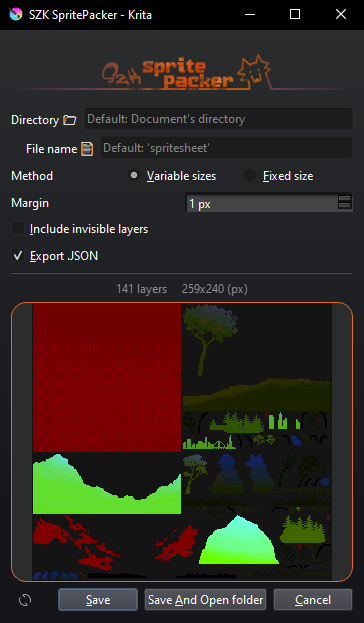
I decided to add it because I wasn’t able to find any sprite packer that fitted in my workflow. Also, by having full control of my own spritesheet packer, I was able to do other cool things! Like exporting a .json with all the necessary information for then building a scene inside Godot with just a click!
Here is a little tutorial I did showcasing it:
Basically:
- Select all the layers you want to include in your spritesheet.
- Export the spritesheet with the
Export .jsonchecked. - In Godot, use the SZK SpritePacker Importer addon and set the .json/.png.
Download 'szk_spritepacker_importer.zip' 0.0 mb
Dragging the .json or the .png automatically fills the rest if it finds a .json/.png with the same name in the same directory.
- Click Generate to generate the whole scene!
Gamedev tools
I started working on the illustration using only values:
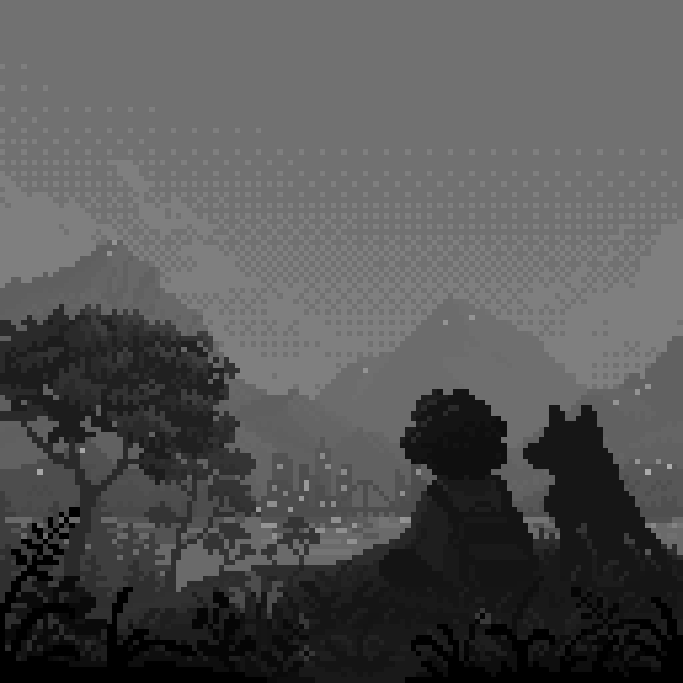
The .kra basically has all my assets separated, and at some point, I knew I wanted to “encode” some information in the RGB(A) channels, for then using that info in my shaders.
The problem ❌: Krita makes it difficult to edit different layers at the same time.
It offers filter layers that are handy and affect all layers below them, but makes it hard to commit those changes into the actual layers.
For solving that, I made the Shader/Gamedev Tools
(I haven’t decided its name yet):
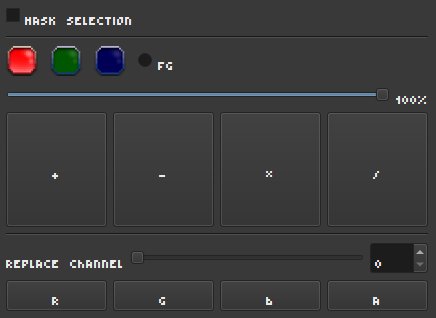
It basically offers the possibility replace channels and to make mathematical operations on them very easily!
This may be a very nieche thing, but is handful for those interested in making game art and VFX. It personally helped me a lot to adjust all my assets and to tweak and adjust easily the effects I was going for with the illustration!
For those curious, the final assets looked like this
Speedpainting
Final Result
Static